10 Best Landing Page Optimization Tools in 2026 (Reviewed and Ranked)
There are four main types of landing page optimization tools. Most lists combine them all, which makes them less helpful. A page builder is different from a testing platform, and a heatmap tool is different from both. If you know which landing page optimization tools you need right now, you can avoi

There are four main types of landing page optimization tools. Most lists combine them all, which makes them less helpful.
A page builder is different from a testing platform, and a heatmap tool is different from both. If you know which landing page optimization tools you need right now, you can avoid spending money on products you are not ready to use and save time by choosing tools that fit your current needs.
The most costly mistake is using tools in the wrong order. For example, some teams buy VWO before they have enough traffic to run useful tests.
Others pay for Hotjar but never watch any recordings. Some build pages on platforms that cannot personalize or split test, then wonder why optimization is slow.
This guide explains what each type of landing page optimization tool does, which ones are worth using, and who should wait until they are ready before investing in certain tools.
Quick Comparison: 10 Landing Page Optimization Tools at a Glance
Tool | Category | Free Plan | Paid From | Best For |
|---|---|---|---|---|
LanderLab | AI LP Builder | 7-day trial | $89/mo | Paid traffic lead gen funnels with built-in testing |
General AI Tools | AI Builder | Yes | $20/mo | Copy drafting and concepting only |
VWO | A/B Testing | Free (limited) | Custom | Teams with traffic and an active testing program |
Optimizely | A/B Testing | No | Custom enterprise pricing | Enterprise CRO teams with developer resources |
Convert | A/B Testing | Free trial | $299/mo | Agencies and teams with compliance requirements |
Microsoft Clarity | Behavior Analytics | Yes (unlimited) | Free | Every paid traffic team, always |
Hotjar | Behavior Analytics | Yes (limited) | $32/mo | Teams that want on-page visitor surveys |
FullStory | Behavior Analytics | Free trial | Custom | Enterprise teams with complex behavioral data needs |
Google PageSpeed Insights | Page Speed | Yes | Free | Every page before launch |
GTmetrix | Page Speed | Yes (limited) | $5/mo | Deeper load time diagnosis when PageSpeed is not enough |
Category 1: AI Landing Page Builders
Most paid traffic teams should begin here. To get the most out of landing page optimization tools, you first need a page that is actually worth improving.
How quickly you can build, update, and test your page will directly affect how quickly your conversion results improve.
Classic drag-and-drop builders simplified page creation without coding, but introduced a new problem: every funnel segment had to be individually built and managed, making personalization difficult and conditional logic nearly impossible without custom solutions.
AI builders have transformed this process. The best ones can now generate complete landing pages and quiz funnels from a single prompt, including conditional routing logic and personalized follow-up flows.
1. LanderLab
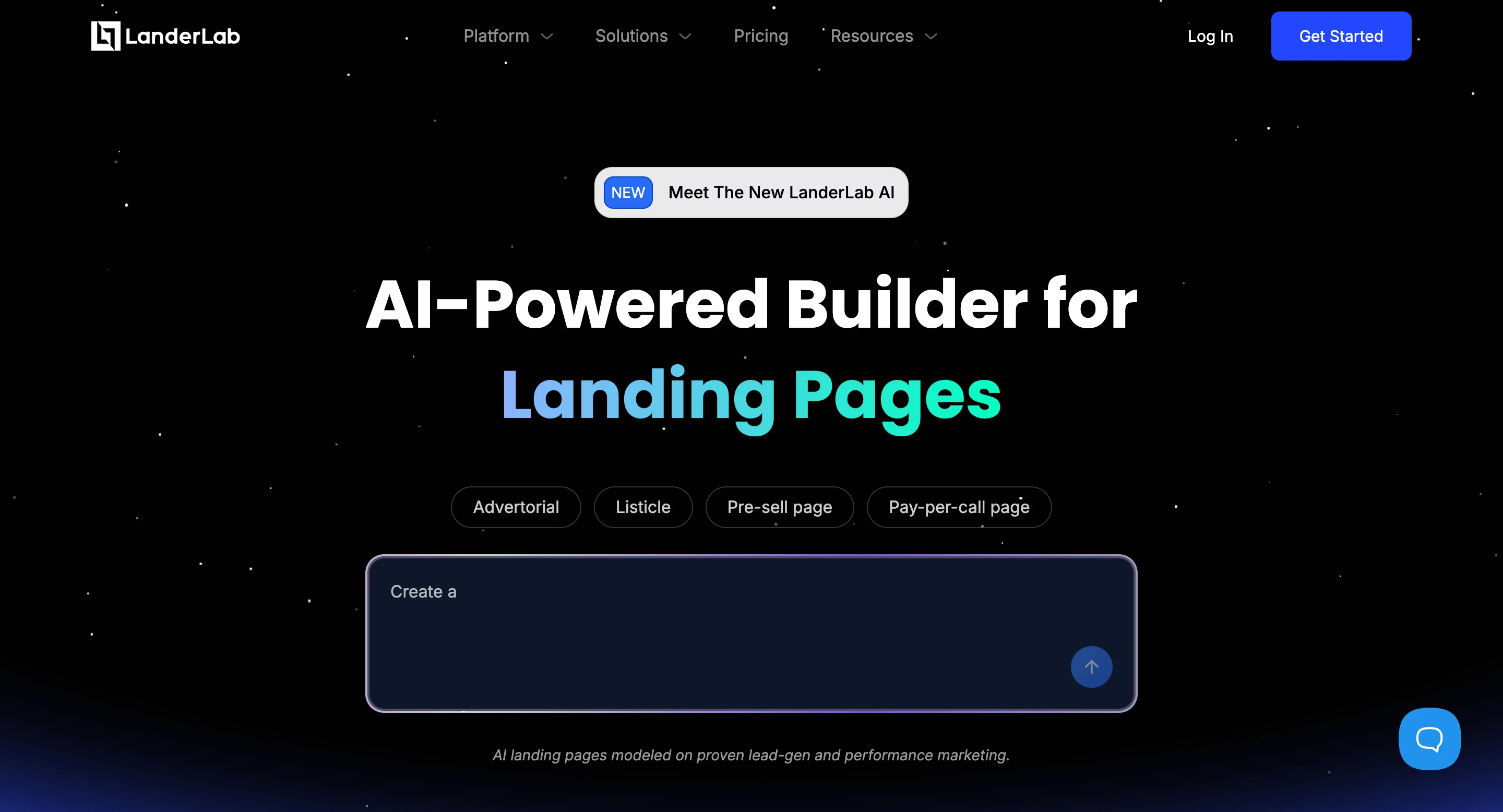
LanderLab combines an AI landing page builder with an AI quiz funnel builder. From a single prompt, the platform automatically generates the full funnel, including copy, layout, quiz logic, and thank-you page, ready to launch.
The quiz funnel builder is where most of the paid traffic-specific functionality lives.
Conditional logic routes users to different thank-you pages based on their answers.
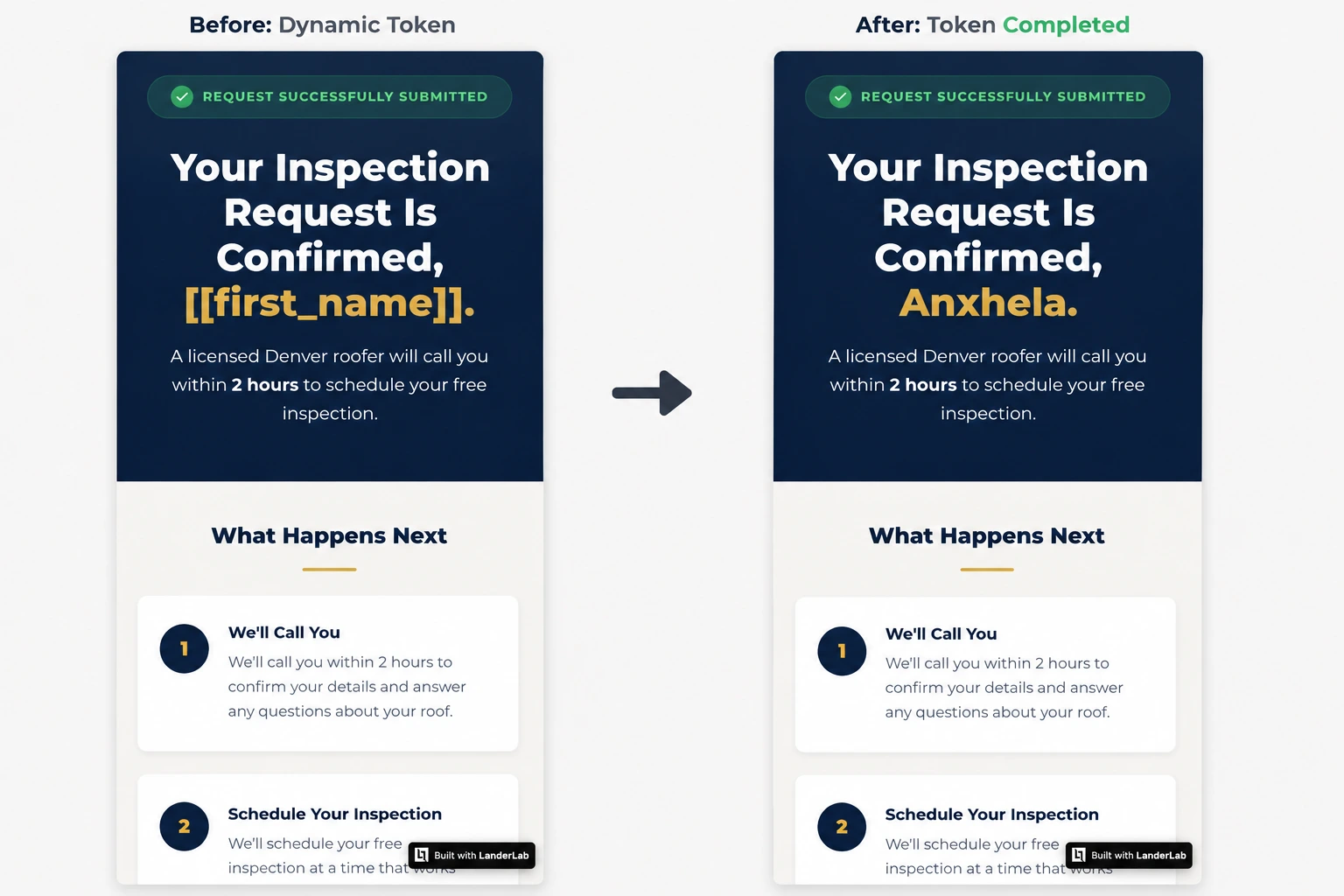
Dynamic tokens pull quiz answers into the confirmation copy, so the thank-you page references the visitor’s specific situation.
A/B testing is built into both products; no third-party tool is required.
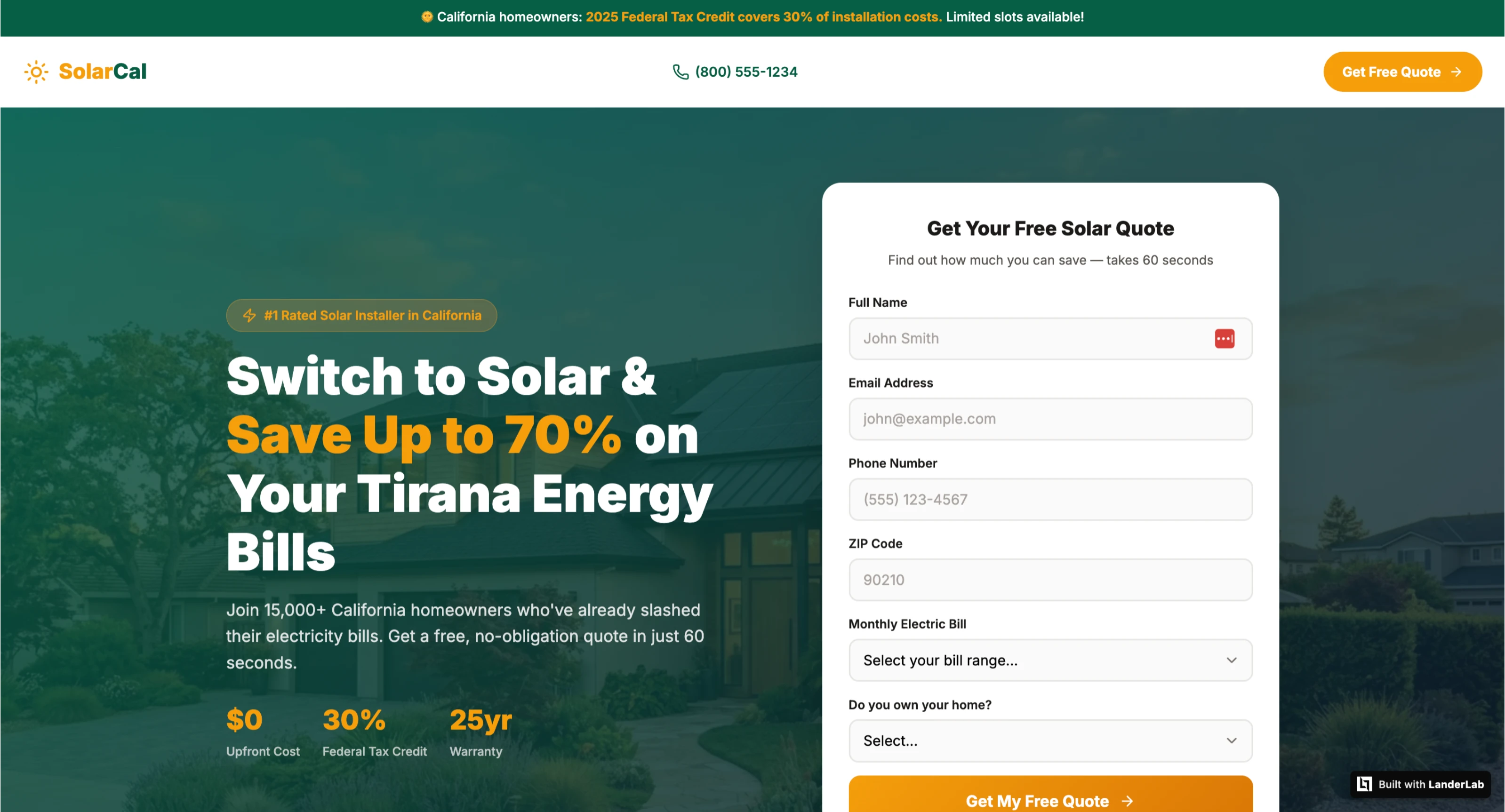
For example, a single prompt like “Generate a solar lead gen funnel for California homeowners” can produce:
- A complete landing page
- Matching ad copy
- A multi-step qualification quiz
- Dynamic thank-you pages based on answers
- Built-in A/B variants ready to test
The result feels closer to a usable funnel than a generic template. The AI automatically generates the page structure, layout, and copy, while quiz logic, routing, and thank-you experiences can be customized within the builder.
Best for: Paid traffic teams running lead gen in home services, solar, insurance, legal, or any vertical where AI-generated landing pages or quiz funnels with built-in testing matter.
Not for: Websites or anything requiring deep CMS integration.
Pricing: 7-day free trial available. Plans from $89/month.
2. General AI Tools (Claude, ChatGPT, Gemini)
These tools can write copy, generate HTML, and produce complete landing page structures from a prompt faster than most traditional builders.
For media buyers comfortable working with code, the quality of the copy and overall page structure can genuinely be impressive.
The gap is everything that comes after the generated file.
There is no built-in hosting, publishing workflow, lead handling, split testing, conditional routing, dynamic personalization, or funnel analytics. Turning an AI-generated page into a live funnel that reliably captures and routes leads usually requires either a developer or multiple additional tools.
In practice, many media buyers who start with general AI tools end up spending more time managing funnel infrastructure than building the actual page.
The prompting experience may feel similar to that of a dedicated AI landing page builder like LanderLab, but the difference lies in what happens after generation.
Best for: Drafting copy, generating page concepts, testing headline angles, wireframing layouts, and accelerating creative ideation before moving into a dedicated funnel builder.
Not for: Launching production-ready lead generation funnels without additional development work or supporting infrastructure.
Category 2: A/B Testing and CRO Platforms
These are landing page optimization tools that test elements on existing pages. They do not build pages. They run controlled experiments on them and tell you which version performed better.
The critical constraint before spending on any tool in this category: you need a minimum of 1,000 monthly visitors to a single page to run tests in a reasonable timeframe, and 3,000+ to run a proper testing program.
To detect a 2-percentage-point improvement in a page converting at 3% with 95% confidence, you need roughly 3,000 total visitors across both variants.
At 1,000 monthly visitors, that is a 13-week test. At 500 monthly visitors, it becomes a test that can take over six months.
With under 1,000 monthly visitors, the behavior analytics tools in Category 3 will give you more actionable insights per dollar.
Come back to this category when there’s traffic to use it properly.
3. VWO
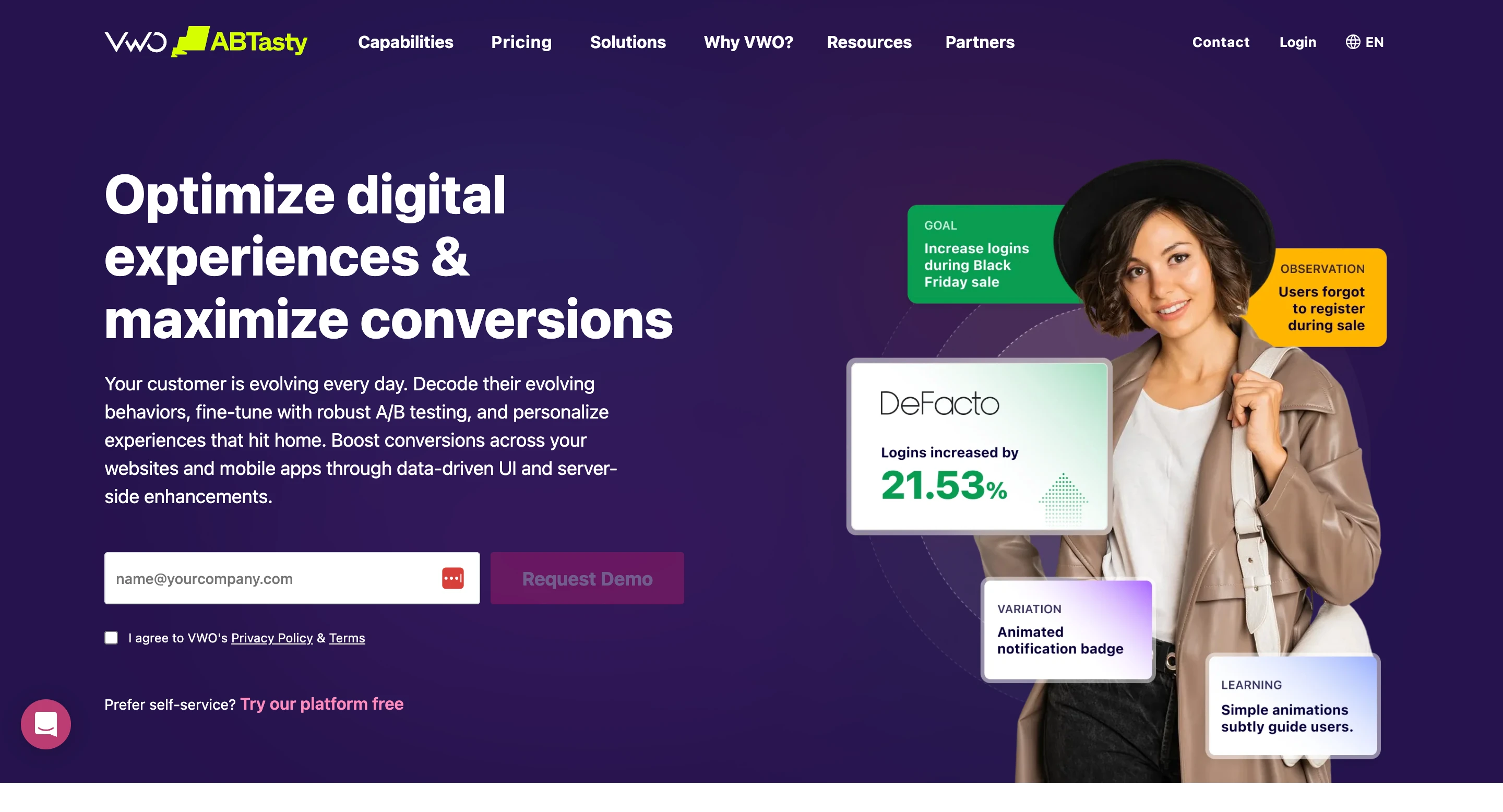
The most complete CRO platform for teams that are not at enterprise scale. A/B testing, multivariate testing, split URL testing, session recordings, heatmaps, and form analytics all in one platform.
The visual editor lets marketers set up and run tests without writing code or involving a developer for every change.
The analytics layer, VWO Insights, shows behavioral data alongside test results, so the diagnostic and validation steps occur in the same tool. For teams that would otherwise manage Hotjar or Clarity separately from their testing platform, this consolidation is worth something.
In practice, a typical use case looks like this: a solar lead-gen page converting at 4% gets a heatmap showing that 65% of visitors never scroll past the hero.
The team runs a headline test inside VWO, sees the outcome-specific variant outperform the generic one by 22% after 2,800 visitors, and rolls it out.
The whole cycle, from diagnosis to the validated winner, happens within a single tool without exporting data or switching dashboards.
Best for: Teams with 3,000+ monthly visitors to a single page, an active testing habit, and a desire to handle testing and behavior analytics in one platform. Also useful for performance marketing agencies managing optimization across multiple client landing pages.
Not for: Teams under 1,000 monthly visitors who do not yet have a regular testing cadence. Start with Clarity and LanderLab’s built-in testing until the traffic justifies the cost.
Pricing: Free Starter plan available. Paid plans use custom pricing based on traffic volume and experimentation needs.
4. Optimizely
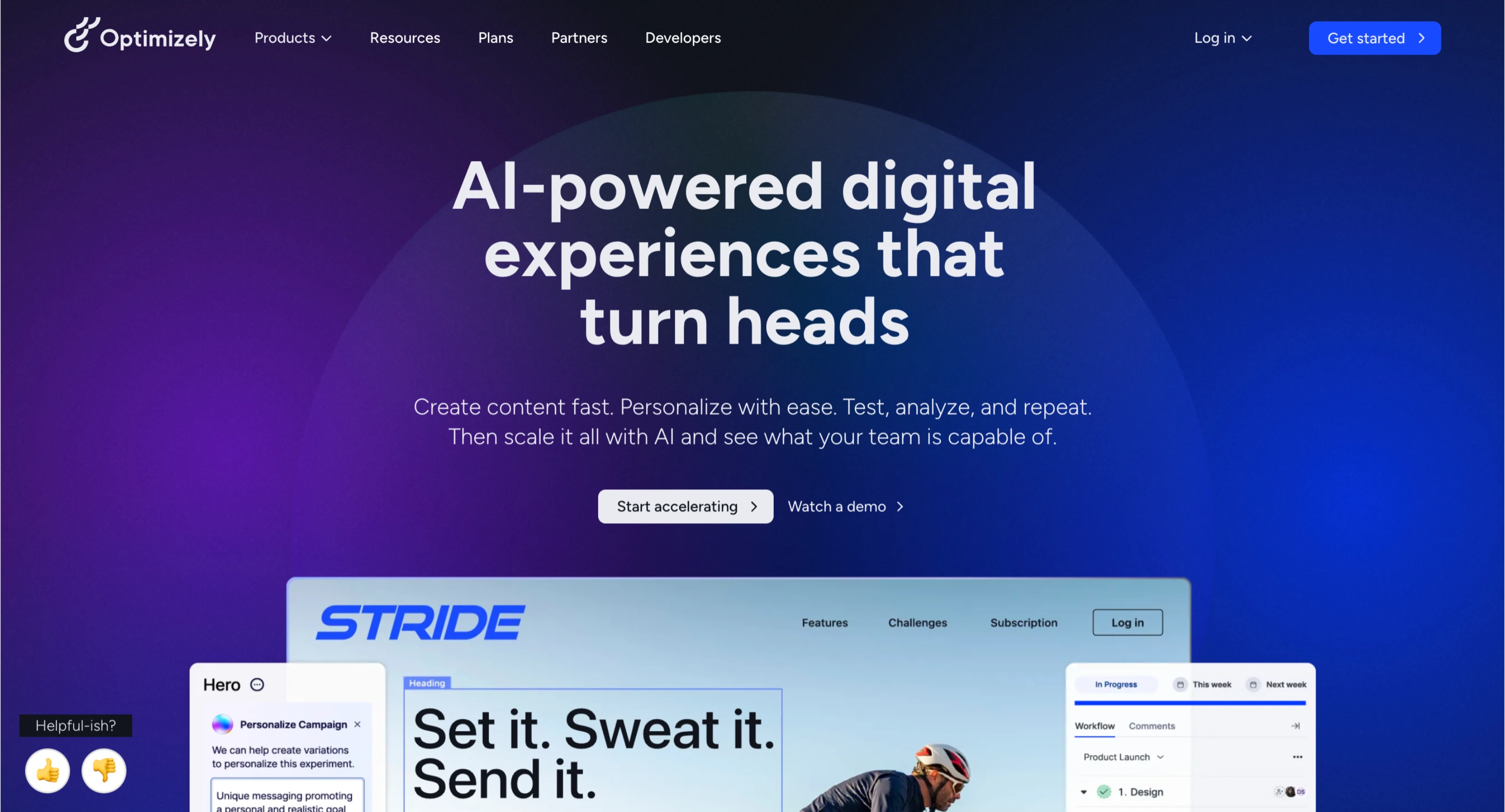
Enterprise-grade experimentation software. A/B testing, multivariate, server-side experimentation, feature flagging across web and mobile, the full suite.
Used by large organizations with dedicated CRO teams, developer resources, and experimentation programs running across multiple digital properties simultaneously.
The capabilities are genuinely impressive. So is the complexity. Optimizely requires developer involvement for most meaningful implementations and an experimentation culture that most paid traffic teams running lead gen campaigns do not have and do not need.
Best for: Large organizations with dedicated CRO teams, significant developer resources, and multi-property testing needs beyond landing page optimization.
Not for: Paid traffic teams running lead gen campaigns at any scale below a large enterprise. VWO or LanderLab’s built-in testing handles everything a lead-gen operation needs, at a fraction of the cost and complexity.
Pricing: Custom enterprise pricing. Requires contacting sales for a quote.
5. Convert
A mid-market A/B testing platform sitting between VWO and Optimizely in capability and price.
The defining characteristic is privacy: Convert is GDPR compliant by design, cookieless testing is supported, and data handling is more conservative than VWO’s defaults.
It integrates cleanly with Google Tag Manager, most major analytics platforms, and popular CMS systems.
The agency workflow is the practical differentiator. Convert lets agencies run their entire testing operation through one account, create templates to replicate workflows across client projects, and allocate traffic across clients without the complexity that VWO’s module structure introduces.
For an agency running A/B tests across ten client accounts, that operational simplicity has real value.
Best for: Agencies managing A/B testing programs across multiple client accounts, and teams operating in markets with stricter data privacy requirements than VWO’s default configuration satisfies.
Not for: Single-account paid traffic teams without compliance-specific requirements. At a similar price point to VWO, Convert’s advantage is compliance and agency workflow, not raw testing capability.
Pricing: 15-day free trial, no credit card required. Growth plan starts around $299/month billed annually or $399/month billed monthly. Pricing scales based on tested users and experimentation needs.
Category 3: Behavior Analytics Tools
Behavior analytics tools are the landing page optimization tools that show you what is happening on your pages. Where visitors click, how far they scroll, where they abandon forms, and what a full session looks like played back in real time.
They are diagnostic tools, not optimization tools.
The insight they produce is only valuable if someone acts on it. A team that installs Hotjar and never watches the recordings is paying for a tool that collects data and changes nothing.
The output of behavior analytics is a hypothesis. The builder or testing platform is where the hypothesis gets validated.
The sequence matters: use behavior analytics first to identify where visitors are dropping off and why, then fix it, then confirm whether the fix worked.
Most teams get this backward by testing first and diagnosing second.
6. Microsoft Clarity
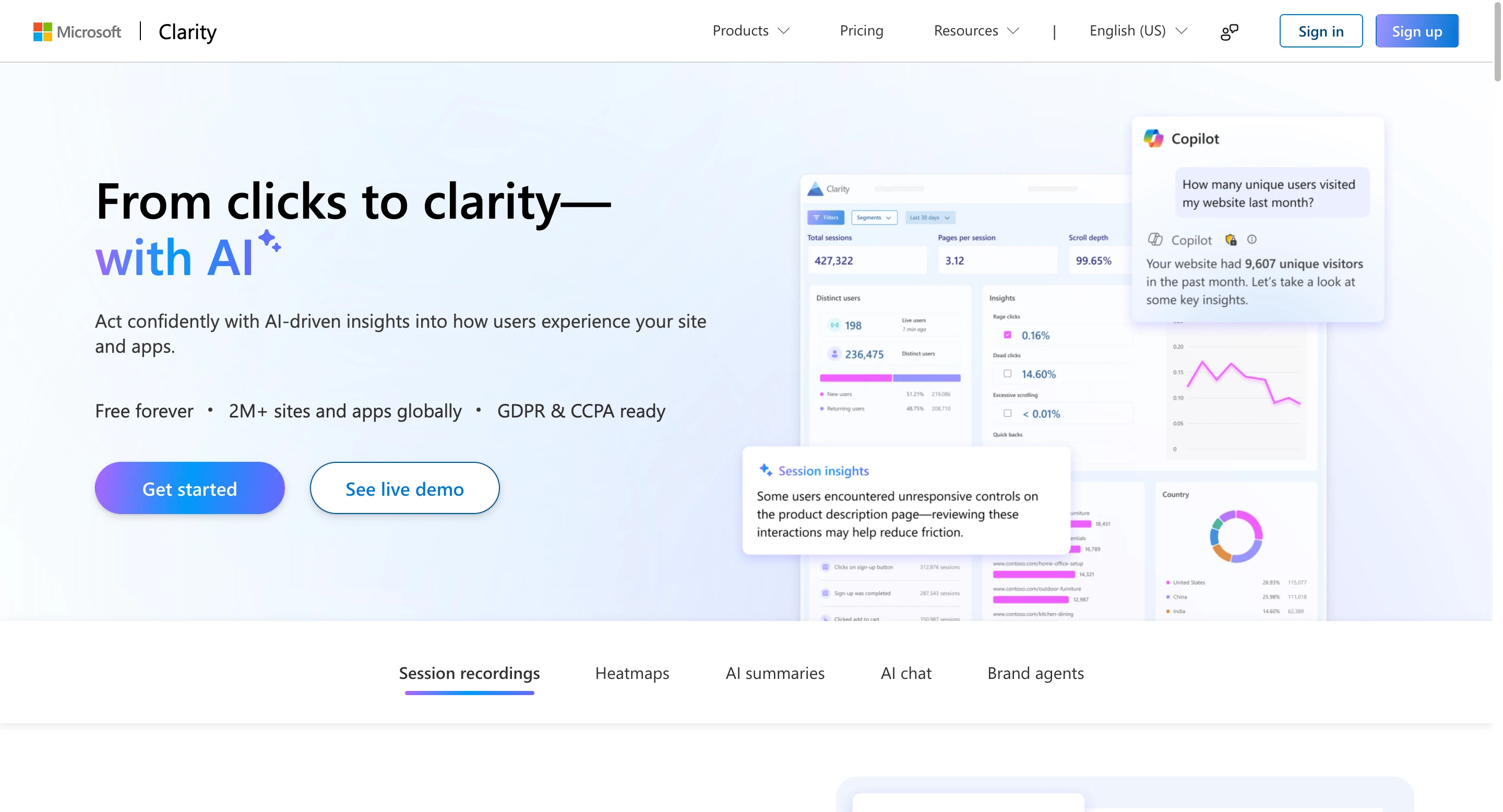
Free. No session limits. No traffic caps. No feature paywalls on the core functionality. Heatmaps, scroll maps, click maps, session recordings, rage click detection, and dead click detection are all available without paying anything.
Session recordings are the single most valuable diagnostic tool available to a paid traffic team.
Watching 20 recordings of visitors who started a form and did not complete it tells you more about what is wrong with the page than any quantitative metric.
A common finding from Clarity recordings on insurance lead gen pages: visitors consistently abandon the form at the date of birth field, not at the phone number field.
The instinct is to assume the phone number is the point of friction. The recordings show it is actually the DOB field that reads as invasive before trust is established.
Moving the DOB field to the end of the form or removing it entirely is a faster fix than any headline test, and Clarity surfaces it in under an hour of recording review.
There is no meaningful feature gap between Clarity and paid behavior analytics tools for diagnosing landing page conversion problems.
The paid tools add survey capability and more sophisticated segmentation, neither of which is essential for most paid traffic operations.
Best for: Every paid traffic team running landing pages. Install it on every page from day one. The data from the first two weeks will be useful for months.
Not for: Nothing. There is no scenario where a paid traffic team should not have Clarity installed.
Pricing: Free, no limits.
“Behavior analytics gives you the hypothesis. Testing validates whether the hypothesis is actually correct.”
Most teams test first and diagnose second.
7. Hotjar (Now Part of Contentsquare)
Hotjar remains one of the most recognizable behavior analytics tools for marketers. Heatmaps, session recordings, and funnel analysis cover the core functionality most teams need to understand how visitors interact with a landing page.
The biggest differentiator is still the qualitative feedback layer. Hotjar allows teams to trigger on-page surveys and feedback widgets at specific moments in the visitor journey. For example, you can ask users who reached the lead form but did not submit it what stopped them from converting.
That qualitative insight can surface objections that traditional analytics tools often miss: compliance concerns, unclear messaging, pricing hesitation, or confusion around the offer itself.
For many paid traffic teams, Microsoft Clarity already covers most heatmap and session recording needs for free. The decision usually comes down to whether the team will actively use Hotjar’s survey and feedback capabilities as part of an ongoing optimization process.
Since becoming part of Contentsquare, the platform has shifted slightly more toward broader digital experience analytics rather than just standalone heatmaps and recordings.
Best for: Teams that want both behavioral analytics and direct visitor feedback in one platform. Especially useful when quantitative data identifies a problem, but not the reason behind it.
Not for: Teams that only need heatmaps and recordings. If surveys and feedback widgets are not being actively used, free tools like Clarity often provide enough diagnostic value.
Pricing: Free plan available with session limits. Paid plans start around $32/month.
8. FullStory
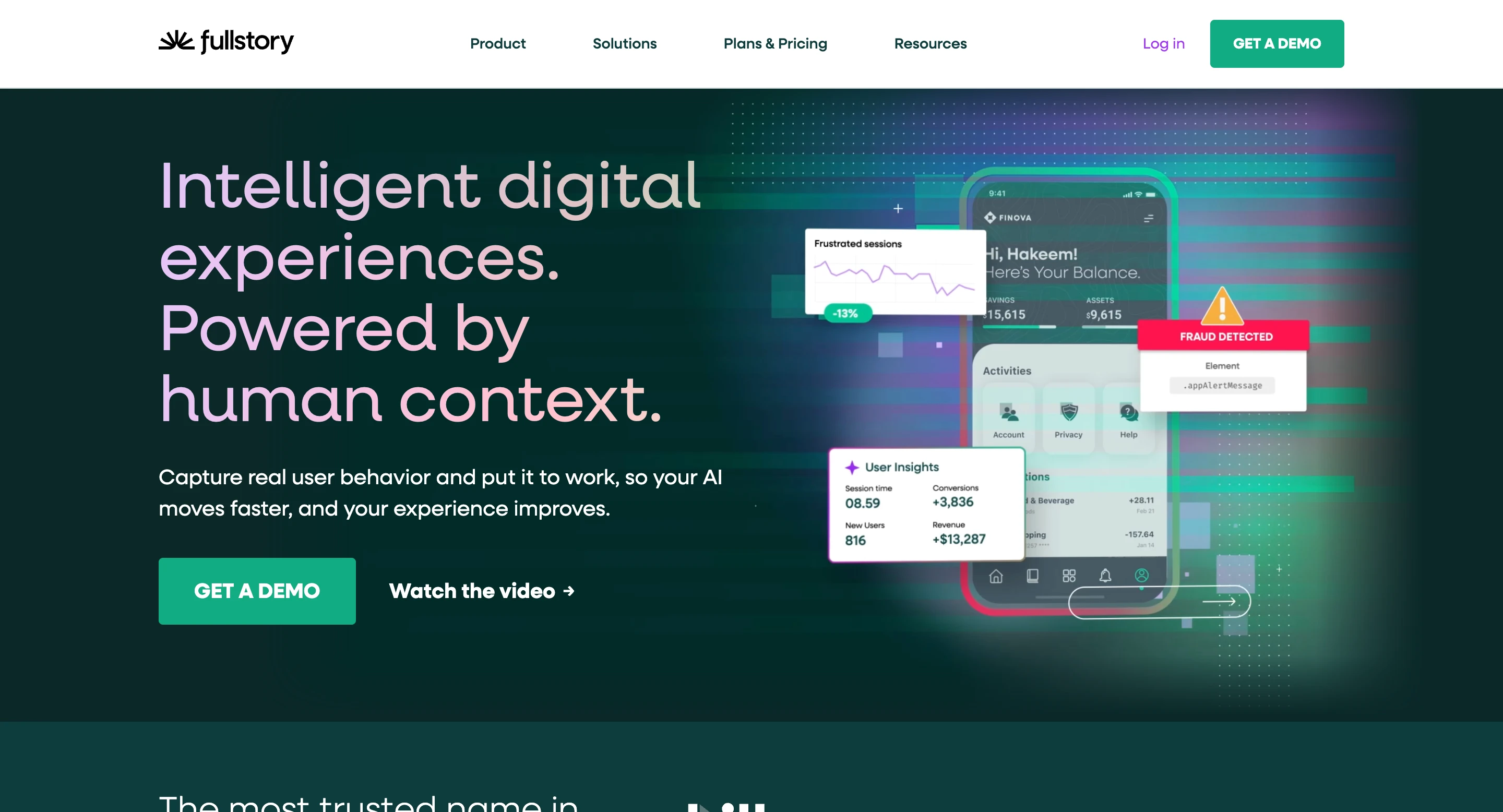
Digital experience analytics at enterprise scale. Goes significantly beyond heatmaps and session recordings into event tracking, retroactive data querying, funnel analysis across complex user journeys, and behavioral cohort analysis.
The key capability that distinguishes FullStory is retroactive querying: you can ask questions about behavior from data that was already collected, even if you did not set up the specific tracking beforehand.
For landing page optimization in paid traffic, there are significantly more tools than the use case requires.
Best for: Large organizations with dedicated analytics functions that need to ask complex behavioral questions across high-volume traffic on multi-page digital products.
Not for: Paid traffic teams running lead gen campaigns at any scale. Clarity does everything needed for diagnosing landing page conversion problems at zero cost.
Pricing: Custom pricing.
Category 4: Page Speed Tools
Page speed is the first variable to check on any underperforming landing page, and the last variable most teams check. According to Portent’s research, pages that load in under 1 second convert at over 30%.
At 5 seconds, that drops to under 10%. That is a 20-point conversion rate drop from load time alone, before any copy or design variable comes into play.
The common mistake is spending weeks testing headlines and CTAs on a page that loads in 6 seconds on mobile.
A roofing lead gen page running Google Ads to mobile traffic with a 6-second load time is giving up a significant portion of conversions before a single visitor reads the headline. Load time affects every visitor before they read a single word. Fix it first.
Both tools below are free. Run every page through them before launch and after any significant technical change.
9. Google PageSpeed Insights
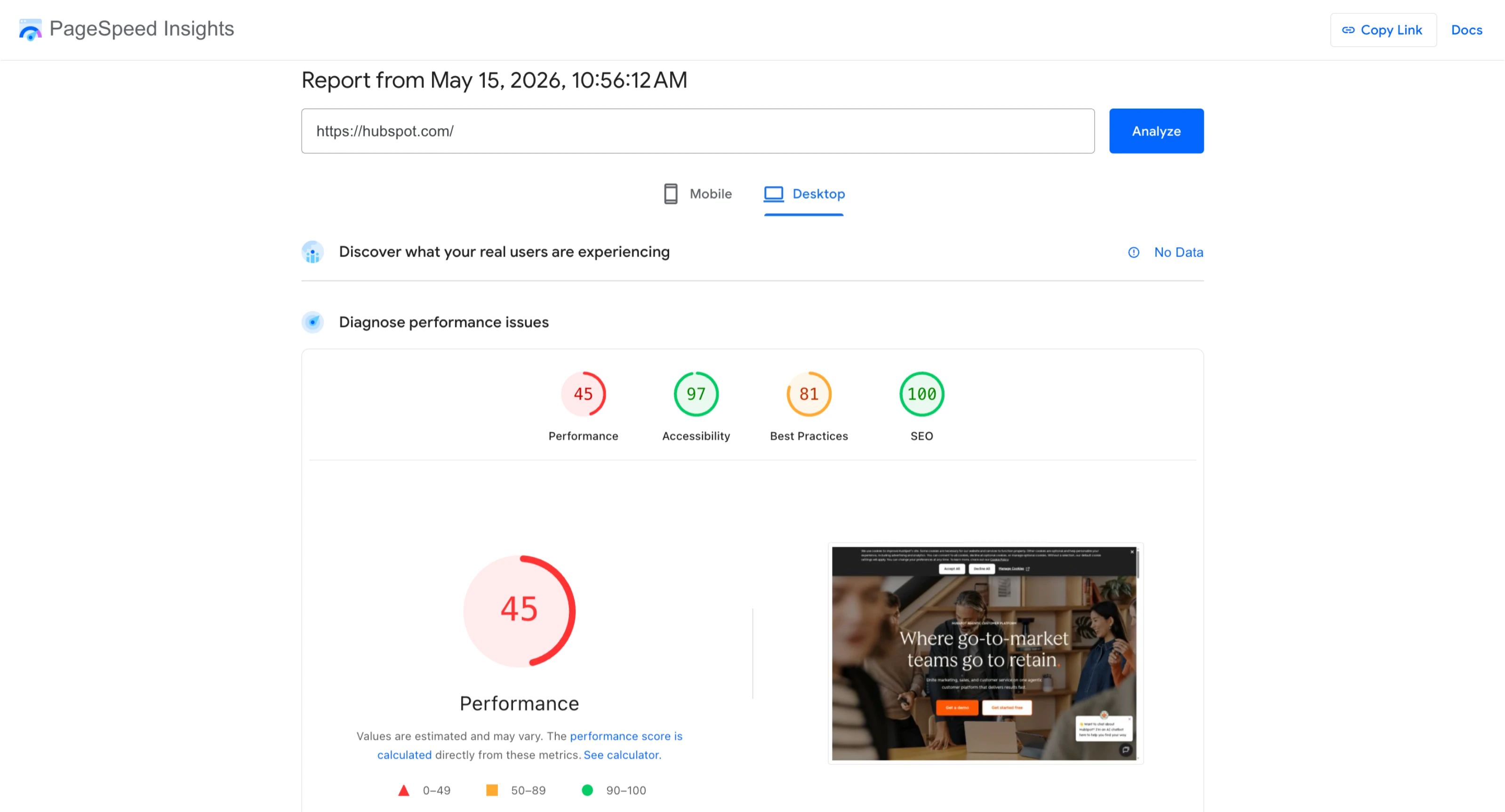
Scores your page on a 0-100 scale for both mobile and desktop, identifies the specific elements causing slow load times, and provides prioritized recommendations with estimated impact for each.
Unoptimized images, render-blocking scripts, unused CSS, and slow server response times are the most common culprits.
The mobile score matters most for paid traffic. Most paid social traffic arrives on mobile, and mobile load times are consistently slower than desktop.
A page scoring below 50 on mobile PageSpeed is losing a measurable share of conversions before visitors have a chance to engage with the offer.
Best for: Every landing page before launch and after major technical changes. The standard first step for any page with unexpectedly low conversion rates.
Not for: Nothing. It’s a free tool that every team should be using on every page.
Pricing: Free.
10. GTmetrix
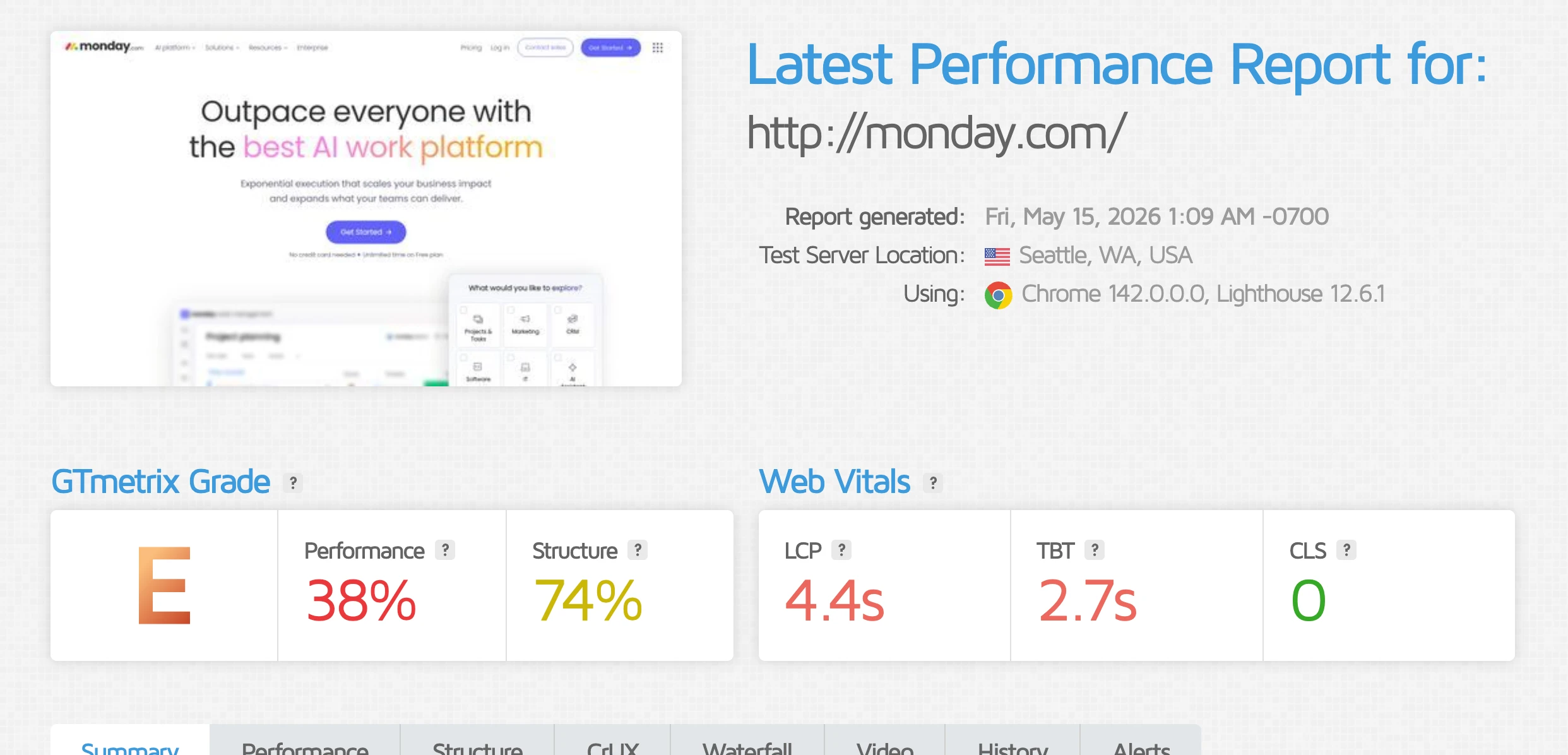
More detailed load time analysis than PageSpeed Insights, centered on a waterfall chart that shows exactly which elements load in which order and how long each takes.
Makes it possible to identify specific third-party scripts that are blocking page rendering and adding load time that PageSpeed’s summary view does not make obvious.
The geographic testing feature is particularly useful for geo-targeted campaigns.
A page hosted on a US server loading in 1.2 seconds in New York might load in 3.8 seconds for visitors in California or Florida. Testing from the actual geographic location of your target audience gives you an accurate picture of what visitors are experiencing.
Best for: Diagnosing load time problems in detail when PageSpeed Insights has identified a problem but the summary recommendations are not specific enough to act on. Also useful for geo-targeted campaigns where server location affects load time for the target audience.
Not for: Replacing PageSpeed Insights as the first diagnostic step. Start with PageSpeed, move to GTmetrix when you need more detail.
Pricing: Free plan available. Paid plans from $5/month.
Best Landing Page Optimization Tools for Different Use Cases
Use Case | Best Tool | Why |
|---|---|---|
Building AI landing pages from a prompt | LanderLab | Generates complete pages, including copy, layout, and thank you page, from a single prompt |
Building quiz funnels for lead gen | LanderLab | AI quiz funnel builder with conditional routing, dynamic tokens, and built-in A/B testing |
Diagnosing why a page is not converting | Microsoft Clarity | Free heatmaps and session recordings show exactly where visitors are dropping off |
Running structured A/B tests with enough traffic | VWO | Testing and behavior analytics in one platform, visual editor requires no developer |
Fixing slow page load times | Google PageSpeed Insights | Free, identifies specific elements causing slow load and prioritizes fixes by impact |
Understanding why visitors abandon forms | Microsoft Clarity | Session recordings show the exact field where visitors stop and why |
Managing A/B tests across multiple client accounts | Convert | Multi-project workflow built for agencies, GDPR compliant by default |
Asking visitors directly why they did not convert | Hotjar | On-page surveys let you ask visitors a specific question at a specific moment in their session |
Diagnosing geo-specific load time issues | GTmetrix | Tests from specific geographic locations to show what visitors in your target market actually experience |
Enterprise experimentation across multiple digital properties | Optimizely | Full-stack experimentation including server-side testing and feature flagging for large organizations |
Which Landing Page Optimization Tool Do You Actually Need Right Now?
You are building pages and have not established a testing habit yet. Start with LanderLab. Install Microsoft Clarity on every page from day one so you collect behavioral data before you need it.
Run every page through Google PageSpeed Insights before it goes live. Do not buy a dedicated testing platform until you have more than 1,000 monthly visitors to a single page. LanderLab’s built-in split testing covers everything you need at that scale.
Your pages are live, but conversion rates are lower than expected. Before touching anything on the page, spend two weeks watching Clarity session recordings of visitors who did not convert.
Check scroll depth to see how far visitors are getting. Run the page through PageSpeed Insights on mobile. In most cases, one of these three diagnostics identifies the problem faster than any A/B test would.
Fix the most obvious issue first, then test whether the fix worked.
You have traffic and want to run structured experiments. VWO if you want testing and behavior analytics in one platform. LanderLab’s built-in testing, if you want it inside the builder, without managing a separate tool.
The decision comes down to whether you are building new pages regularly (LanderLab) or testing elements on an existing page that won’t change structurally (VWO).
You are running a large multi-client or enterprise operation. Convert for testing with better compliance defaults and a cleaner agency workflow.
FullStory if you have a dedicated analytics function that needs to ask complex behavioral questions at scale. LanderLab for any accounts where quiz funnel personalization and conditional routing are required.
Frequently Asked Questions
What tools improve landing page conversion rates?
The tools that most directly move conversion rates are AI landing page builders, behavior analytics tools, and A/B testing platforms, used in that order. Start with a builder like LanderLab that generates optimized pages from a prompt with built-in split testing. Add Microsoft Clarity from day one to collect heatmaps and session recordings that show where visitors are dropping off. Once you have enough traffic (at least 1,000 monthly visitors to a single page), use those behavior insights to form a hypothesis and run a structured test. Page speed tools like Google PageSpeed Insights are also conversion tools: every additional second of load time measurably reduces conversion rate, and fixing a slow page often produces faster results than any copy or design change.
Do I need A/B testing software?
It depends on your traffic volume. To detect a meaningful improvement on a page converting at 3%, you need roughly 3,000 total visitors across both variants at 95% confidence. At 1,000 monthly visitors, that is a 13-week test. Under 1,000 monthly visitors, a dedicated A/B testing platform will sit largely unused. In that case, behavior analytics (Microsoft Clarity) and a builder with native testing (LanderLab) will give you more actionable insight per dollar.
If you have 3,000+ monthly visitors to a single page and run tests regularly, VWO is the right tool. If you are managing testing across multiple client accounts, Convert is the better fit. If you are just getting started, LanderLab’s built-in split testing covers everything you need without a separate platform.
What are the best landing page tools for lead generation?
For lead generation specifically, the most important tool is the builder, because lead gen pages have specific requirements that generic website builders do not handle well: multi-step quiz funnels, dynamic token personalization, conditional routing based on qualification answers, and thank you pages that use data captured in the form.
LanderLab is purpose-built for this use case with both an AI landing page builder and an AI quiz funnel builder, built-in A/B testing, and conditional routing that sends different visitor types to different thank you pages based on their answers. Beyond the builder, Microsoft Clarity for form abandonment diagnosis and Google PageSpeed Insights for load time are the two tools every lead gen operation should have running from launch day, both free.
What is the difference between a landing page builder and a CRO tool?
A landing page builder creates and publishes pages. A CRO tool tests or analyzes them. They solve different problems at different stages. Most paid traffic teams need both, but they need them in the right order.
Build first, then diagnose with behavior analytics, then test with a CRO platform once you have enough traffic to produce statistically significant results. The sequencing mistake most teams make is buying a CRO tool before they have pages worth optimizing or traffic volumes that make testing meaningful.
Is Microsoft Clarity good enough, or do I need Hotjar?
For most paid-traffic lead-gen operations, Clarity is good enough. It provides heatmaps, scroll maps, click maps, session recordings, rage-click detection, and dead-click detection at no cost, with no session or traffic limits.
The one meaningful feature Hotjar has that Clarity does not is on-page surveys, which let you ask visitors a specific question at a specific moment in their session, including why they abandoned a form. If your team will actually set up and review visitor surveys regularly, Hotjar is worth the cost. If not, Clarity covers 90% of the diagnostic value for free.
Conclusion
Most paid traffic teams do not have a problem with landing page optimization tools. They have a sequencing problem. They buy a testing platform before they have enough traffic to run tests.
They install a heatmap tool and never watch the recordings. They build pages in a platform that cannot personalize or test natively, and wonder why optimization takes so long.
The right stack for most media buyers running lead gen is three tools: one AI builder that handles testing and personalization natively, one free behavior analytics tool running from day one, and one free speed checker before every launch.
Everything else is a layer to add when the operation has outgrown what that stack can do.
Start simple. Add complexity only when the current setup is the actual bottleneck.