
10 Best Multi Step Form Builders for Paid Ads (2026)
Most form builders were built for surveys, event signups and internal intake. Paid traffic is a different job. Your visitor arrives from an ad, on a phone, with no patience and no reason to trust you yet. A multi step form builder splits the ask across screens. Fewer fields per screen, one question
Most form builders were built for surveys, event signups and internal intake. Paid traffic is a different job. Your visitor arrives from an ad, on a phone, with no patience and no reason to trust you yet.
A multi step form builder splits the ask across screens. Fewer fields per screen, one question at a time, a progress bar that suggests the end is near. Vendors say this doubles or triples completion. Those numbers come from vendor blogs rather than independent studies, so treat them as a direction, not a promise.
There is a second problem nobody puts on a comparison page. Nine of the ten tools below charge you by the submission, the response or the lead. Your bill goes up precisely when your campaign starts working.
Here is the short version if you are choosing today:
- Winner overall, and the only one that does not meter your leads: LanderLab
- Best embed for pages you cannot move: Growform
- Best looking mobile funnels: Heyflow
- Best for brand-led, low volume capture: Typeform
- Best general purpose form tool: Jotform
- Best for calculators and scoring: involve.me and Outgrow
- Best for internal process and Salesforce: Formstack
- Best free starting point: Tally
- Best if your site is staying on WordPress: WPForms
The Meter Is the Whole Story
Every tool here charges for something. What it charges for decides whether it punishes you for winning.
Typeform counts responses. Jotform counts submissions, and separately counts forms, storage and form views. Heyflow counts responses. Growform and Outgrow count leads. involve.me counts submissions and visits. Formstack caps submissions per form.
Run the math on a campaign that works. You test on the $22 or $39 plan, find a winner, scale the spend, and the plan that fit last month now blocks submissions or forces an upgrade. Typeform is the blunt example. When the response cap is reached the form stops accepting entries, and those responses are not stored anywhere.
LanderLab counts visits instead. The free plan lists unlimited leads, and paid plans are sized by monthly visits: 100,000 on Launch, 500,000 on Grow, 2 million on Scale. A funnel that converts at 4% and one that converts at 12% cost the same.
That single difference is why it takes the top spot here, before any feature comparison.
Multi Step Form Builder Comparison at a Glance
Checked against each vendor’s published pages in September 2026. “n/a” means the vendor does not document it publicly, not that it is impossible.
Tool | Unlimited leads | Free plan | Builds the page too | Lead distribution to buyers | Call tracking | Native A/B testing |
|---|---|---|---|---|---|---|
LanderLab | ✓ | ✓ | ✓ | ✓ | ✓ | ✓ Grow and up |
Growform | ✗ | ✗ | ✗ | n/a | ✗ | n/a |
Heyflow | ✗ | n/a | ✓ | ✗ | ✗ | ✓ Scale only |
Typeform | ✗ | ✓ | ✗ | ✗ | ✗ | n/a |
Jotform | ✗ | ✓ | ✗ | ✗ | ✗ | n/a |
involve.me | ✗ | ✓ | ✓ | ✗ | ✗ | n/a |
Outgrow | ✗ | ✓ | ✓ | ✗ | ✗ | n/a |
Formstack | ✗ | ✗ | ✗ | ✗ | ✗ | n/a |
Tally | ✓ fair use | ✓ | ✗ | ✗ | ✗ | n/a |
WPForms | ✓ | ✓ | WordPress only | ✗ | ✗ | n/a |
Three tools offer unlimited submissions. Only one of those three also sends the lead to LeadsPedia, LeadProsper or Phonexa, tracks the call through Ringba or Retreaver, and builds the page the form sits on.
Stop paying more when you convert more
LanderLab bills you for visits, not for the leads you capture. Build pages and quiz funnels in one platform.
Published Prices and Caps
List prices for monthly billing, read in September 2026. Annual billing is cheaper on most of these.
Tool | Entry price | What the meter counts | Included at entry | Top published tier |
|---|---|---|---|---|
LanderLab | Free, then $89/mo | Visits | 100,000 visits, unlimited leads | $799/mo, 10M visits |
Growform | $59/mo | Leads | 300 leads, 1 domain | $199/mo, 3,000 leads |
Heyflow | $22/mo | Responses | 50 responses, 5 flows | $229/mo, 1,000 responses |
Typeform | Free, then $39/mo | Responses | 100 responses | $129/mo, 10,000 responses |
Jotform | Free, then $39/mo | Submissions, forms, views, storage | 1,000 submissions, 1 user | $129/mo, 10,000 submissions |
involve.me | Free, then $49/mo | Submissions and visits | 5 funnels, 1 user | $199/mo |
Outgrow | About $14/mo | Leads | 250 leads, Outgrow branding | About $600/mo, 50,000 leads |
Formstack Forms | $99/mo | Submissions per form | 1 seat, 25 forms | $299/mo Suite |
Tally | Free, then $29/mo | Nothing, under fair use | Unlimited forms and submissions | $89/mo |
WPForms | About $49.50/yr | Sites and add-ons | First-year rate, entry add-ons | About $499.50/yr |
The 10 Best Multi Step Form Builders for Paid Ads
1. LanderLab, the Winner
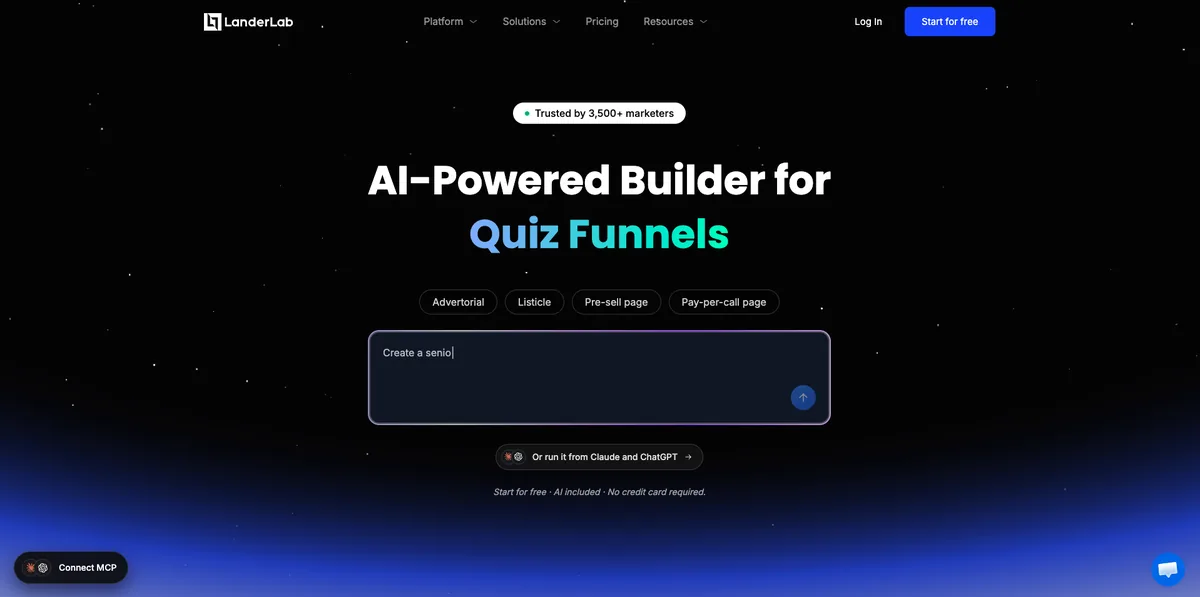
Best for: media buyers and lead gen marketers who want the page, the qualification flow and the lead delivery in one account.
Every other tool on this list assumes you already have a landing page and need a form to drop into it. LanderLab builds both. You describe the offer, and it generates the page and the multi-step quiz funnel together, with conditional logic and validation already wired in.
What makes it the pick for paid traffic is what sits behind the funnel. Lead distribution to LeadsPedia, LeadProsper and Phonexa is native. Call tracking runs through Ringba and Retreaver, which matters for pay per call campaigns. Ad tracking connects to ClickFlare, RedTrack and Voluum, and workflows fire on every lead with Meta CAPI as a destination.
Pros
- ✓ Unlimited leads, with plans sized by visits instead of submissions
- ✓ Landing page and multi-step quiz funnel generated from one prompt
- ✓ Native lead distribution to LeadsPedia, LeadProsper and Phonexa
- ✓ Call tracking with Ringba and Retreaver built in
- ✓ Tracker integrations for ClickFlare, RedTrack and Voluum
- ✓ Page importer pulls a page from a URL, a ZIP or a spy tool
- ✓ Free plan with no credit card, and no countdown on a trial
- ✓ 100,000 visits on the entry paid plan and 5 custom domains
Cons
- ✗ Visits are metered, so high-traffic low-converting pages still consume the plan
- ✗ Launch is a single-user account, with team seats from Grow
Price: free plan, then $89, $149, $299 and $799 per month. See current LanderLab pricing.
2. Growform
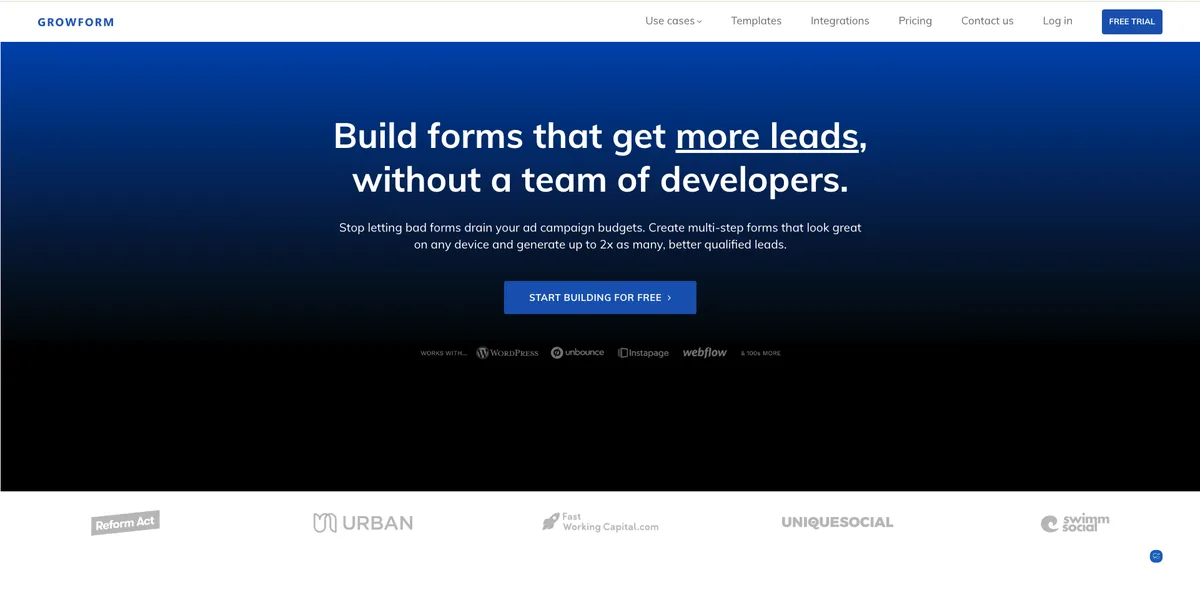
Best for: lead sellers who need a qualification form inside pages that already exist.
Growform is the most narrowly built tool here, and that focus shows. It is designed for one job: turn paid clicks into leads a buyer will accept.
Pros
- ✓ Hidden field pass-through for UTMs and click IDs
- ✓ Native TrustedForm and Jornaya integrations for consent evidence
- ✓ Google Tag Manager and server-side conversion support
- ✓ Phone and email verification on higher tiers
- ✓ Branding removed on every paid plan
Cons
- ✗ Lead caps of 300, 1,000 and 3,000 across the published tiers
- ✗ No free plan, only a 14-day trial
- ✗ The entry plan embeds on one domain only
- ✗ Not a page builder, so you still pay for a landing page platform
- ✗ Wrong tool for surveys, HR intake or ecommerce checkout, by the vendor’s own admission
- ✗ High volume moves you to a sales conversation rather than a published price
Price: $59 for 300 leads, $99 for 1,000, $199 for 3,000.
3. Heyflow
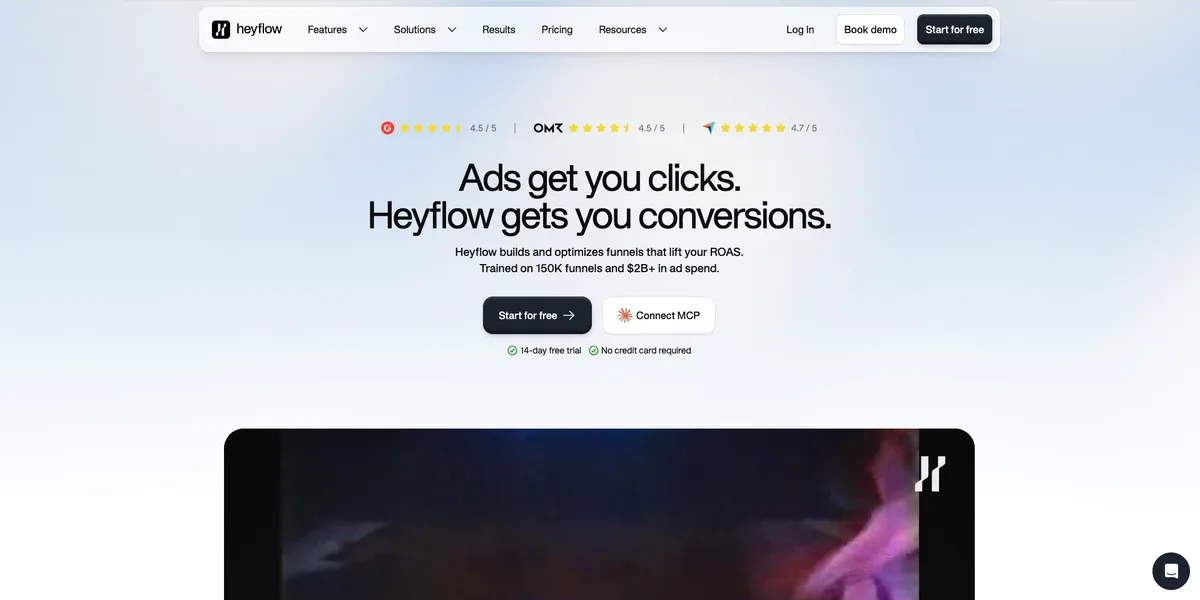
Best for: teams where the funnel has to look designed rather than assembled.
Pros
- ✓ Mobile-first flows with branching and step routing
- ✓ Over 50 direct integrations
- ✓ Native A/B testing on the Scale plan
- ✓ Modular add-ons, so you can buy one feature bundle without a full upgrade
Cons
- ✗ Priced per response, and the tiers are small: 50, 250 and 1,000
- ✗ A/B testing, custom code and Salesforce all sit on Scale at $229
- ✗ Branding removal and phone validation start at Growth
- ✗ Enterprise pricing starts around $1,100 per month
- ✗ Sources disagree on whether a permanent free plan exists
- ✗ No lead distribution to buyers and no call tracking
Price: $22, $79 and $229 across the three published tiers.
4. Typeform
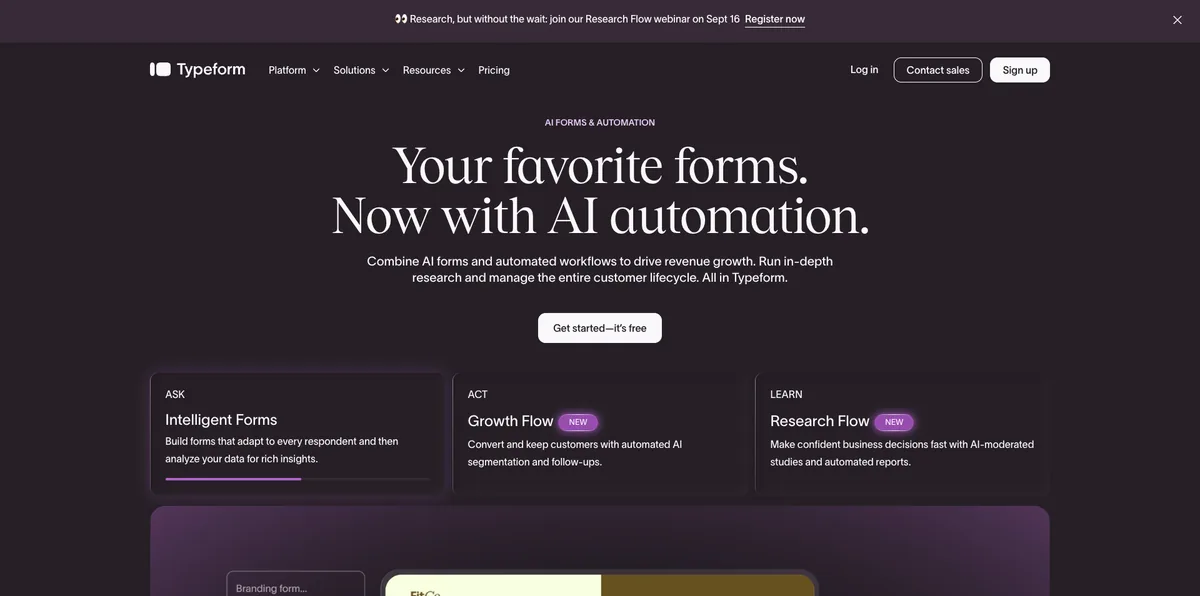
Best for: brand-led capture where the form is part of the first impression.
Pros
- ✓ Still the best one-question-at-a-time experience
- ✓ Hidden fields from the entry paid plan
- ✓ Custom domain on Basic
- ✓ Large template library and strong AI form creation
Cons
- ✗ Response caps of 10 free, 100 on Basic, 1,000 on Plus and 10,000 on Business
- ✗ When the cap is hit, the form stops accepting entries and those responses are not stored
- ✗ Logic jumps are not on the free plan
- ✗ Branding removal starts at Plus
- ✗ Reviewers report bot protection sits on the higher Growth plans
- ✗ Headline prices assume annual billing
- ✗ VideoAsk is priced separately from the main plans
Price: free for 10 responses, then $39, $79 and $129 per month.
5. Jotform
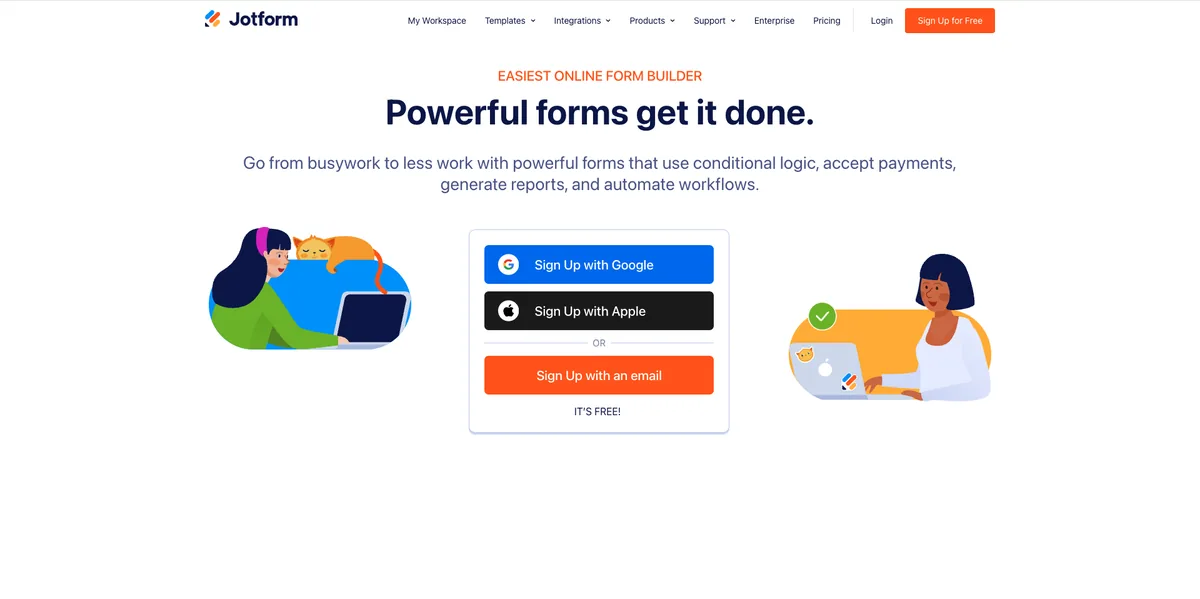
Best for: teams that need one account to cover lead forms, intake and payments.
Pros
- ✓ Over 10,000 templates
- ✓ Visual conditional logic that handles real branching
- ✓ Native Stripe, PayPal and Square
- ✓ No overage fees, and a usable free plan for testing
Cons
- ✗ Several meters run at once: forms, submissions, form views, storage and payment submissions
- ✗ Whichever meter fills first decides your tier
- ✗ Every plan below Enterprise is single-user, so three builders means three subscriptions
- ✗ Going over storage deletes your oldest submissions to make room
- ✗ HIPAA features only on Gold and Enterprise
- ✗ White label and custom branding are Enterprise only
- ✗ Built as a general form platform, not for bought traffic
Price: free for 100 submissions, then $39, $49 and $129 per month.
6. involve.me

Best for: score-based quizzes where the result is the reason someone hands over their details.
Pros
- ✓ Clean editor for funnels, calculators and quizzes
- ✓ Landing pages, embeds and pop-ups included
- ✓ Over 350 design templates
- ✓ Free plan needs no credit card
Cons
- ✗ Conditional logic, calculators, payments and integrations all require a paid plan
- ✗ Free tier caps at 50 submissions and 500 visits a month
- ✗ Free tier holds data for 30 days only
- ✗ Extra seats cost around $10 per user per month
- ✗ The trial requires billing details and charges automatically unless canceled
- ✗ Reviewers complain that branding removal pushes them up a tier
Price: $49 per month, or $29 on annual billing.
7. Outgrow
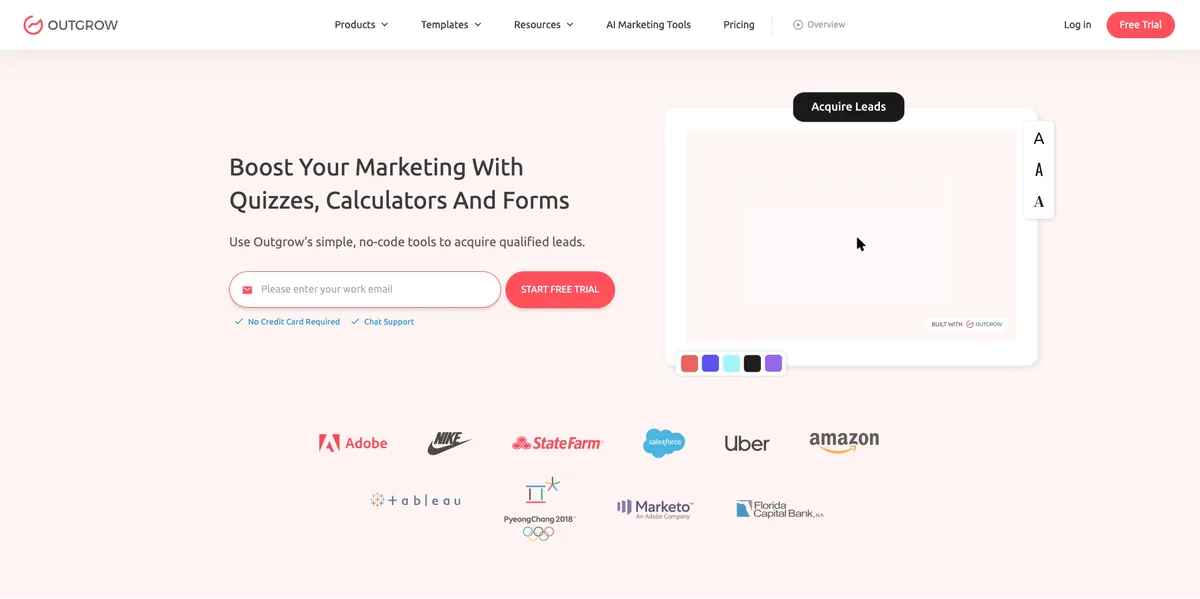
Best for: quote calculators and assessments in considered-purchase verticals.
Pros
- ✓ The strongest calculator and recommendation logic on this list
- ✓ Landing pages included alongside quizzes and surveys
- ✓ Cheap entry price for testing an idea
- ✓ Free forms and surveys plan
Cons
- ✗ Branding removal and a custom domain only become available on Business, at roughly $600
- ✗ No tier between Essentials and Business, so the jump is about six times the price
- ✗ Lead caps of 250, 1,000, 7,500 and 50,000
- ✗ Reviewers report plan structures changing without clear notice
- ✗ The free trial runs on the Business plan, so what you test is not what you buy
Price: from about $14 per month, up to roughly $600 for Business.
8. Formstack Forms
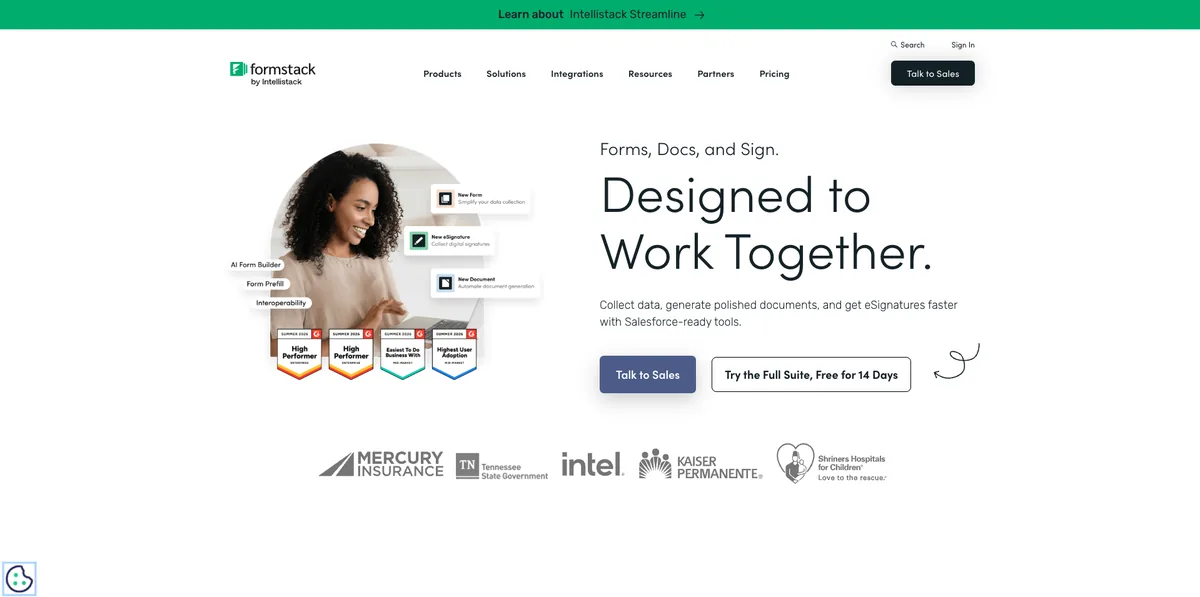
Best for: regulated internal workflows, especially next to Salesforce.
Pros
- ✓ Deep conditional logic, approvals and form prefill
- ✓ Strong Salesforce integration
- ✓ Over 50 integrations across CRM, storage and analytics
- ✓ Over-limit submissions still fire your integrations
Cons
- ✗ No free plan, only a 14-day trial
- ✗ $99 per month buys one builder seat and 25 forms
- ✗ Capped at 1,000 stored submissions per form
- ✗ Over that cap, submissions get emailed to the account owner and skip the database
- ✗ The Suite bundle jumps to $299 per month
- ✗ The parent company rebranded to Intellistack in 2025, so billing may arrive under a name you do not recognize
- ✗ Built for internal process, not for ad traffic
Price: $99 per month, or $83 on annual billing.
9. Tally
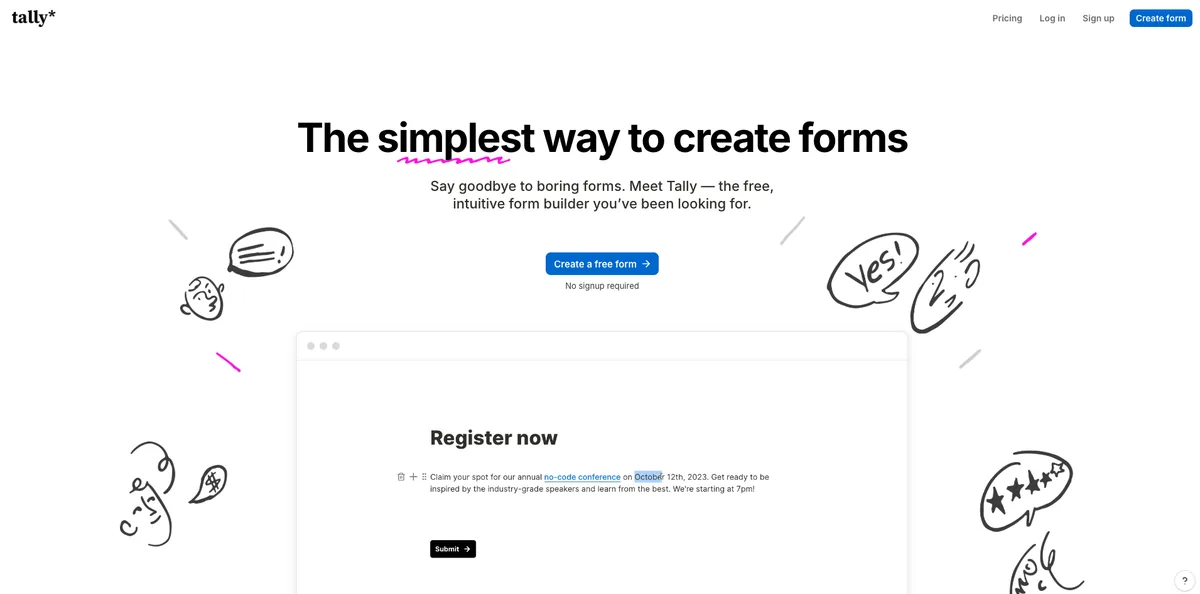
Best for: testing an offer before you commit budget to tooling.
Pros
- ✓ Unlimited forms and submissions on the free plan
- ✓ Conditional logic, calculations, file uploads and payments included free
- ✓ Notion-style editor with almost no learning curve
- ✓ EU company storing data in Europe, which helps for GDPR
Cons
- ✗ Custom domain, branding removal and drop-off analytics all sit on Pro
- ✗ The Meta Pixel and Google Analytics integrations are Pro features, so free plans cannot track ad traffic properly
- ✗ Email verification only on Business at $89
- ✗ The free plan is unlimited within fair use, which is a judgement call rather than a number
- ✗ No consent certificate support, no lead distribution, no call tracking
- ✗ Document-style editor gives limited visual control
Price: free, then $29 for Pro and $89 for Business.
10. WPForms
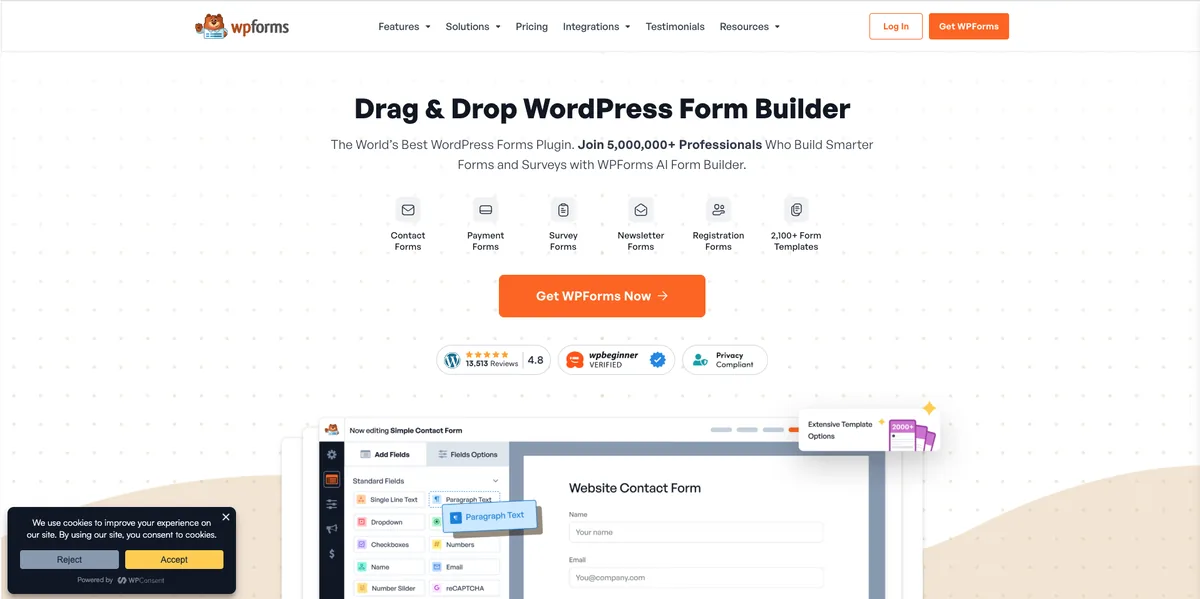
Best for: lead gen running on a WordPress site you are not going to move.
Pros
- ✓ Unlimited forms, submissions and users on paid plans
- ✓ Friendliest setup in the WordPress form plugin category
- ✓ Over 500 templates and a deep add-on library
- ✓ Free Lite version to start
Cons
- ✗ Annual billing only, with no monthly option
- ✗ Renewals run roughly double the first-year rate
- ✗ Multi-page forms need a paid plan
- ✗ Conversational forms, form landing pages and calculations are Pro features
- ✗ Webhooks, Salesforce, HubSpot and ActiveCampaign are Elite only
- ✗ Constant upgrade prompts inside the plugin, with locked templates shown as blurred cards
- ✗ Hosting, uptime and page speed become your problem, which costs money when you buy the traffic
Price: around $49.50 for the first year on the entry plan, about $199.50 on Pro, with renewals near double.
What Paid Traffic Breaks That Lists Like This Usually Skip
Two things decide whether a lead is worth anything after it is captured.
Attribution. The click ID and UTM parameters sit in the URL. If the form does not read them into hidden fields and carry them through to your CRM, every lead lands as “direct” and your optimization goes blind.
Consent evidence. If you sell leads or route them to a call center, your buyer decides what counts as valid. TrustedForm and Jornaya certificates are often written into that contract.
Worth correcting something you will read on competing lists. Many still cite the FCC one-to-one consent rule as the reason to buy consent tooling. That rule never took effect. The Eleventh Circuit vacated it in January 2025, and the FCC later reinstated the earlier consent standard. Consent capture still matters, because buyers demand it and the underlying TCPA rules did not change. It is a commercial requirement now, not a new federal one.
How To Pick in Three Questions
Choosing a multi step form builder gets easier once you answer these in order.
Where does the page live? If you build it yourself, pick a platform that owns the page and the funnel. If the page belongs to a client or a legacy site, pick an embed.
How many leads will you have in 90 days? Price the tier your winning campaign puts you on, not the one you test on. Nine of these ten tools bill you more as you convert more.
What has to happen within 60 seconds of submit? If the answer involves a call center, a ping-post buyer or a consent certificate, most of this list is already out.
Common Mistakes To Avoid
- ✗ Asking for a phone number on step one. Lead with the easy question and earn contact details by step three. Our solar quiz funnel walkthrough shows the order that works.
- ✗ Losing the click ID. Without hidden field mapping, your CRM cannot tell Meta from Google.
- ✗ Buying on sticker price. The $22 plan and the $229 plan are the same product. Only the cap moved, and the cap is what you are buying.
- ✗ Adding questions because the data would be nice. Every step costs completions. We looked at how many quiz questions to ask and the honest range is tighter than most people expect.
- ✗ Skipping the disqualification screen. Filtering renters out of a solar funnel protects your buyer relationship more than any headline test.
Frequently Asked Questions
What is a multi step form builder?
A multi step form builder is a tool that splits one long form into several screens, usually with a progress bar and conditional logic that changes which questions appear based on earlier answers. It is used most often for lead capture, where a single long form would lose people.
Which multi step form builder has unlimited submissions?
LanderLab lists unlimited leads and meters monthly visits instead of submissions. Tally offers unlimited forms and submissions on its free plan within fair use, and WPForms places no submission cap on paid plans. Every other tool on this list charges by responses, submissions or leads.
Which multi step form builder is best for paid ads?
LanderLab, because it builds the landing page and the quiz funnel together, sends leads to LeadsPedia, LeadProsper and Phonexa, tracks calls through Ringba and Retreaver, and does not raise your bill as your conversion rate improves. If you only need a form inside pages that already exist, Growform is the better embed.
Do multi step forms really convert better than single page forms?
Usually, especially on mobile, because each screen asks for less. Most of the specific numbers quoted around this come from vendor marketing rather than independent research, so run your own A/B test before treating a lift as a given.
Do I need TrustedForm or Jornaya on my forms?
Only if your leads go to a buyer or call center that asks for consent evidence. The FCC one-to-one consent rule was vacated in January 2025 and the earlier standard was reinstated, so this is a buyer requirement rather than a federal mandate.
What To Do Next
Pick the multi step form builder that matches where your page lives, then check what its meter counts before you check its feature list. Build one funnel, run it against your current form on live traffic, and compare accepted leads rather than form fills.
Unlimited leads, on every campaign you run
Generate a quiz funnel from one prompt, qualify traffic before submit, and send every lead straight to your buyer.


